
Thunderbird
Thunderbird is a free, open-source email client and personal information manager for Windows, macOS, Linux and Android.
Windows
Open source

Mailbird is a desktop email client for Windows that brings several email accounts into one unified inbox, with a newer Mailbird Next for Windows and macOS.
Average 0.0 · ratings: 0
Thank you! Your rating is saved; you can change it. Could not save the rating. Please try again later. Too many ratings from your network today. Please try again tomorrow. The average appears after 5 ratings.
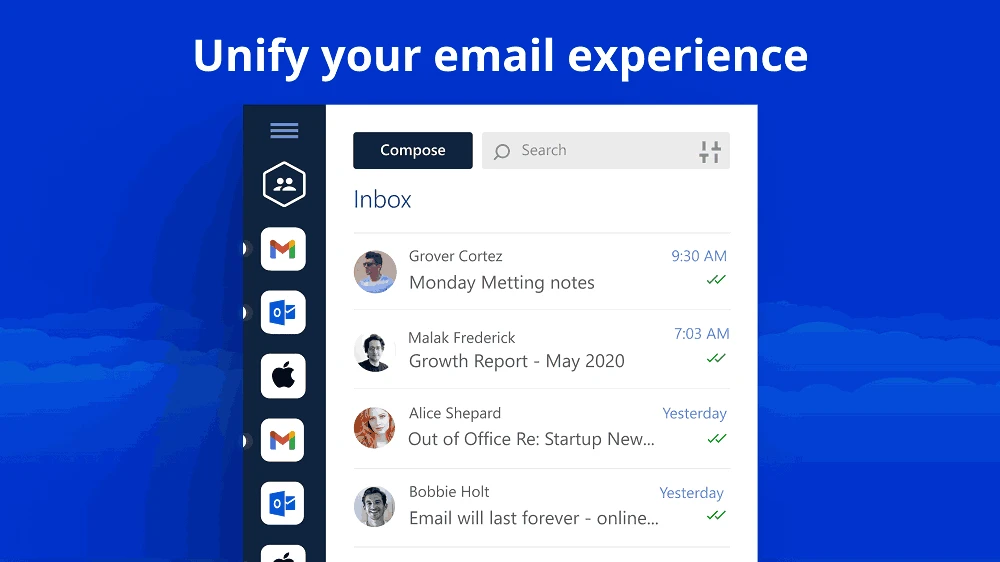
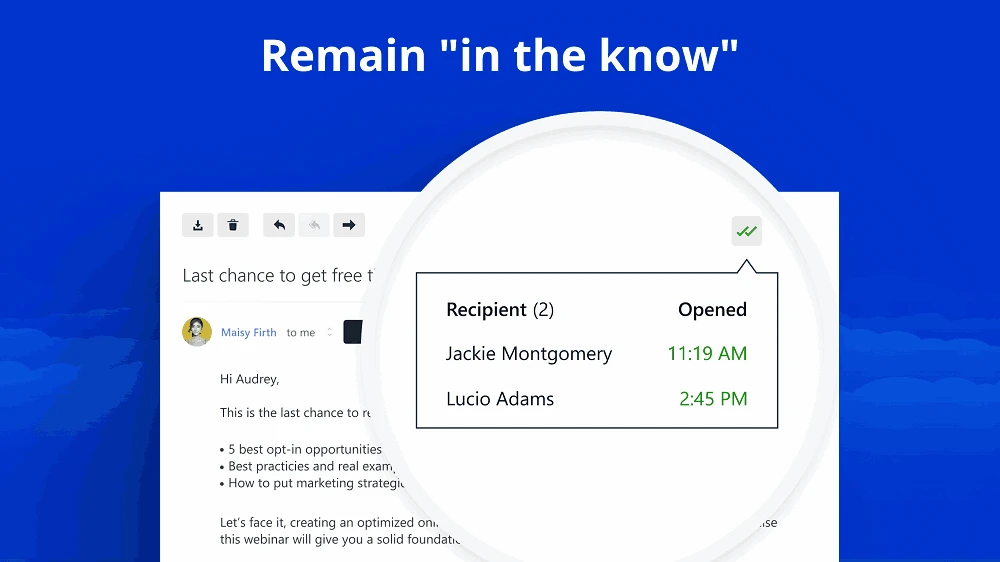
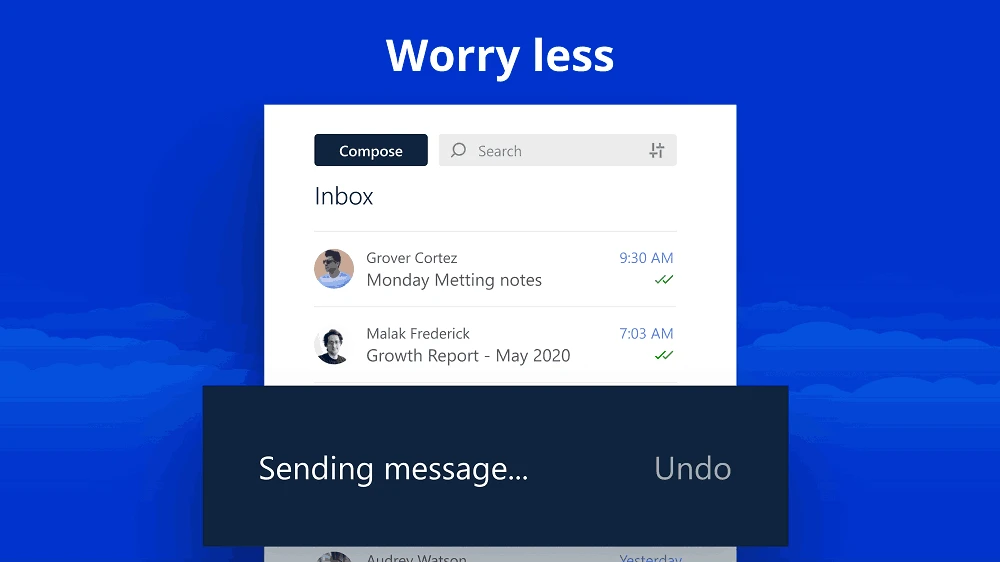
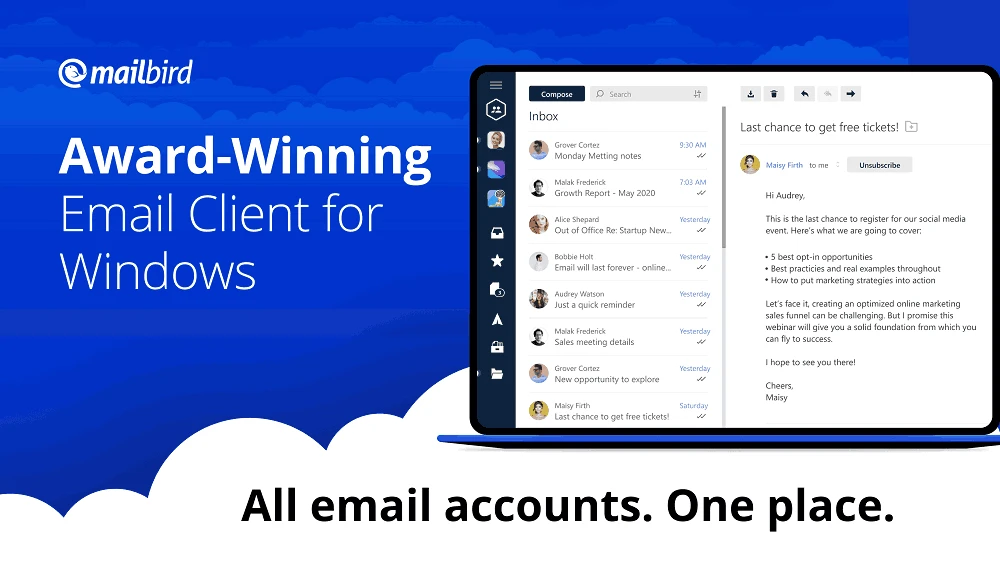
Mailbird 3.0.63 is a desktop email client for Windows that brings several mail accounts into one place. You can download Mailbird for Windows from the official site; its developer also offers Mailbird Next, a newer edition for Windows and macOS.
Mailbird is built for people who juggle more than one mailbox, for example a personal Gmail, an Outlook work account and a small business domain. Instead of switching between browser tabs, you add all accounts to the program and read them in a unified inbox or one by one. The interface is clean and closer to modern web mail than to classic desktop clients, and the program can connect to calendars and other services you use during the day. Setup is simple for the big providers: you enter your address, sign in through the provider's own page and Mailbird fills in the server settings. For less common providers you can enter IMAP settings manually. Compared with free clients, Mailbird focuses on comfort and design rather than on deep customisation, and part of its features belong to paid plans. The newer Mailbird Next edition runs on both Windows and macOS.
According to the installation guide for Mailbird Next, the current edition needs Windows 10 or Windows 11 (64-bit), or macOS Ventura (13) or later on Apple Silicon or Intel. The classic installer is about 259.37 MB according to catalogue data.
Download Mailbird only from getmailbird.com. The client stores access to all your mailboxes, so protect your Windows account with a password and keep the program updated; the release notes list changes. Mailbird is listed as freeware, and the developer also sells paid plans with more features.
Before moving, check that your provider supports IMAP, so that mail stays on the server and matches what you see on your phone. Add one account first and let it sync fully before adding the others. Keep web mail as a fallback for a few weeks, until you are sure filters and folders behave as expected.
Other mail tools on our site include Thunderbird and Microsoft Outlook.
Thunderbird is a free, open-source email client and personal information manager for Windows, macOS, Linux and Android.

Microsoft Word is Microsoft's word processor and part of Microsoft 365. This page explains who it suits and how to get it on Windows.

Microsoft Office 2010 is an office suite for Windows released in 2010; Microsoft ended its support on 13 October 2020 and recommends Microsoft 365.

Microsoft Office 2019 is a one-time purchase edition of Microsoft's office suite for Windows 10 and macOS, released in September 2018.

Adobe Reader XI (11) is an older version of Adobe's free PDF viewer for Windows; its support ended in October 2017 and Adobe Acrobat Reader is the successor.

Adobe Acrobat Reader is Adobe's free Windows application for opening, reading, printing and commenting on PDF documents.

iLovePDF Desktop is the Windows app of the iLovePDF service: merge, split, compress, convert and edit PDF files on your PC without uploading them.

Microsoft Excel is Microsoft's spreadsheet program for calculations, tables and data analysis. Build 16.0.19725.20152 is a current Windows release.

Microsoft Office 2007 is a Windows office suite released in 2007; its support ended on 10 October 2017, and Microsoft recommends Microsoft 365.